What happens when someone taps?
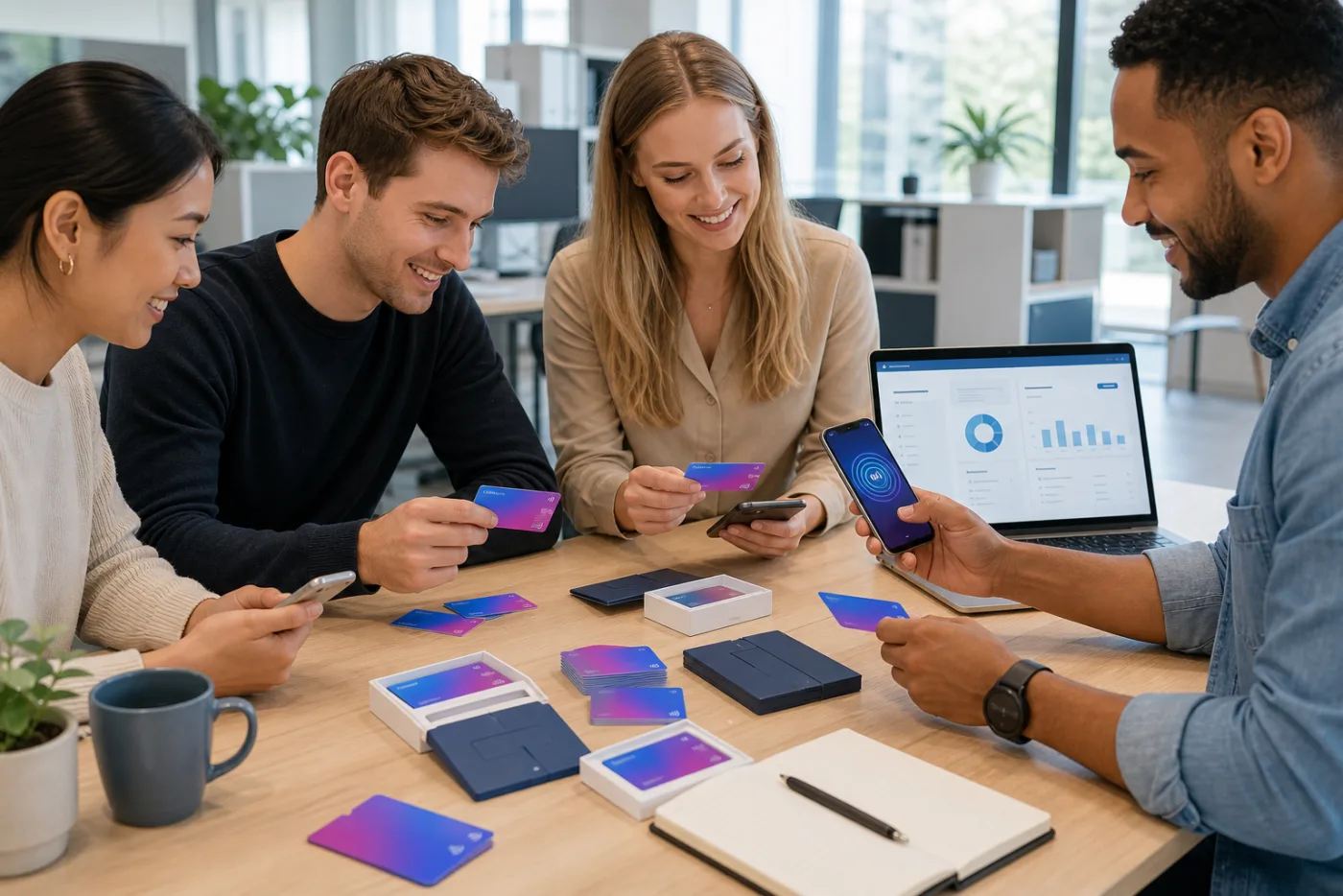
An NFC business card contains a link a compatible phone can read at close range. The phone opens a web page; your contact does not need the LinkProducts app. On a LinkCard, QR is another way to reach the page when NFC is unavailable or unfamiliar.
A physical card and a digital profile do different jobs
The card makes sharing easy during a conversation. The profile keeps your contact details and useful actions together. Printed names and artwork are fixed after production; online information and the connected destination remain editable through your account.
Choose a practical starting point
An independent professional can begin with the free Digital LinkCard and a profile. Add a physical card for face-to-face introductions. For a team, agree on card artwork, profile colours and employee details before distributing the products.
Do a short handover test
Check NFC reading on the recipient’s phone, scan the QR, save the vCard and visit your main link. Then ask whether the page makes the next step clear. The value comes from an easy journey and useful information, not the chip alone.
Which format fits your work?
A card works well when you share during a conversation. A sticker suits a counter, display or piece of packaging where people can approach the product themselves. A band or key fob keeps the touchpoint nearby. A free Digital LinkCard is useful when you prefer sharing your QR from Wallet or sending a personal link.
A simple team rollout
First agree on the purpose of the card and the main profile action. Choose a standard design or company artwork, then decide which employee details are personal. Activate a small group, test the complete journey and explain how colleagues keep their details current. Expand after that first check, rather than distributing cards without setup guidance.